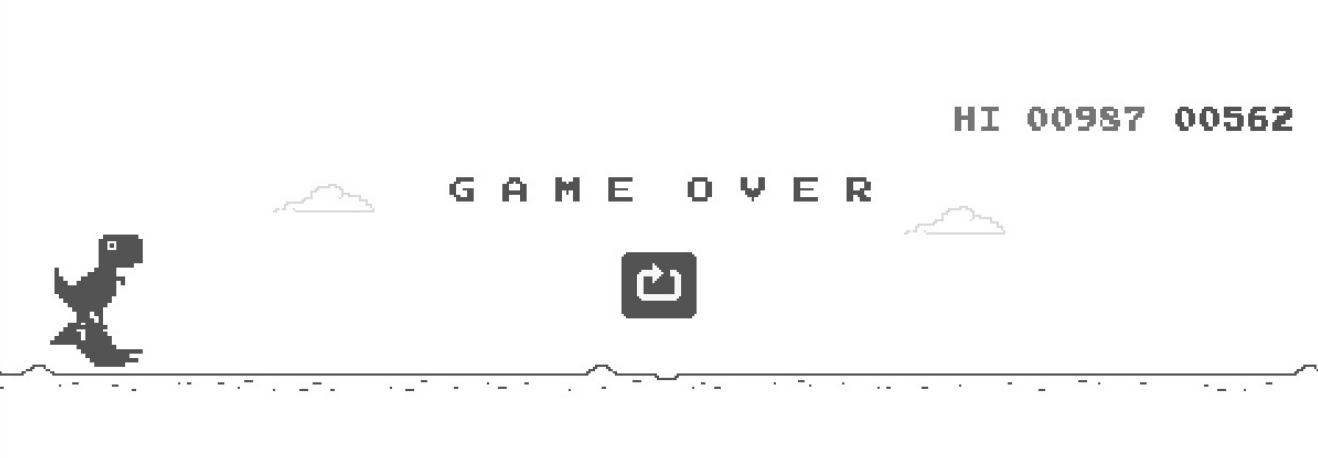
How to Play the Chrome Dino Game
The game can be launched in the Chrome browser on both desktop and mobile. The control is the simplest: when you see that black dinosaur in your browser signifying that there is no Internet connection, just hit the spacebar to launch the game. The spacebar is also used to leap over obstacles. The down arrow is used to duck. If you are on mobile, just tap the little Chrome Dino to get into action and avoid obstacles, too.
The objective is to survive as long as possible. The background color will shift from light to dark (the alteration of day and night) after reaching certain milestones. The T-Rex game will stop once you fail to avoid the next obstacle or once the Internet signal recovers.
A few pointers: don't jump early — the physics reward taking off almost at the cactus. When a pterodactyl flies at mid height, duck under it instead of jumping; wasting your jump there is the classic way to die. And if you want a bigger challenge, this page lets you switch difficulty or go full screen.
This site's version of the game has three difficulty levels. On easy the dino starts slower, picks up speed gently and the obstacles sit further apart — good for warming up or for kids. Normal is the original Chrome setup, exactly as the browser plays it. On hard the run starts fast, accelerates half again as quickly, the top speed is higher and the cacti stand almost twice as dense — records don't live long there. The switch is in the player panel next to the game, and the leaderboard tracks each level separately.